> ## Documentation Index
> Fetch the complete documentation index at: https://docs.chainlit.io/llms.txt
> Use this file to discover all available pages before exploring further.
# Ask User
The ask APIs prompt the user for input. Depending on the API, the user input can be a string, a file, pick an action or fill a form.
Until the user provides an input, both the UI and your code will be blocked.
 ## Available Ask APIs
Ask the user for a string input.
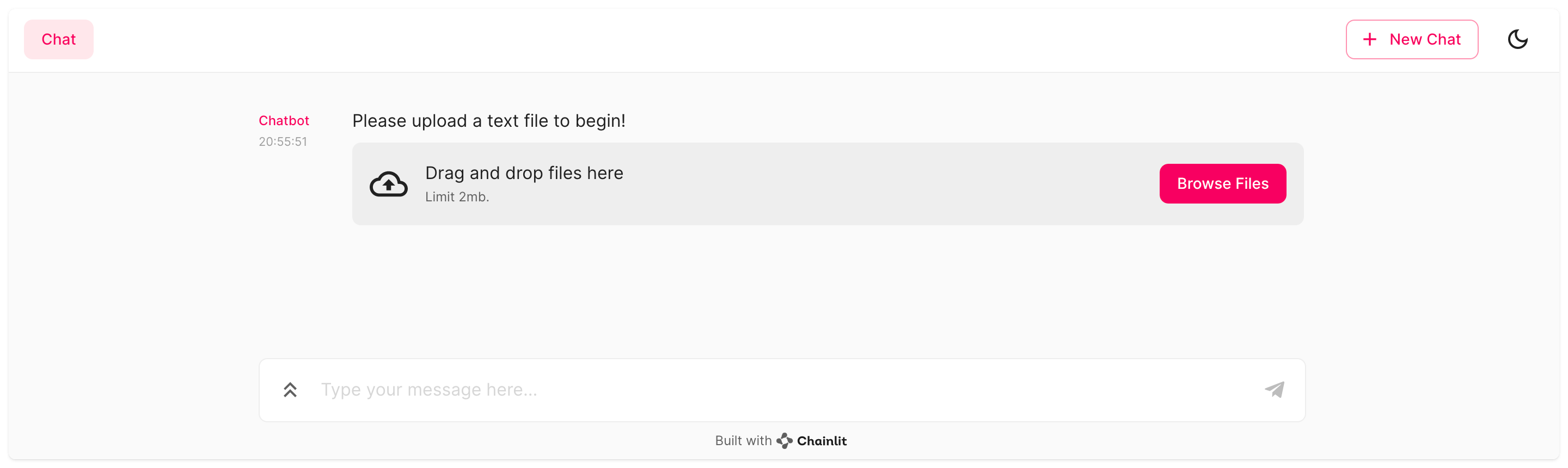
Ask the user to upload a file.
Ask the user to pick an action.
Ask the user to complete a custom form.
## Interactive Consent-Gated Forms
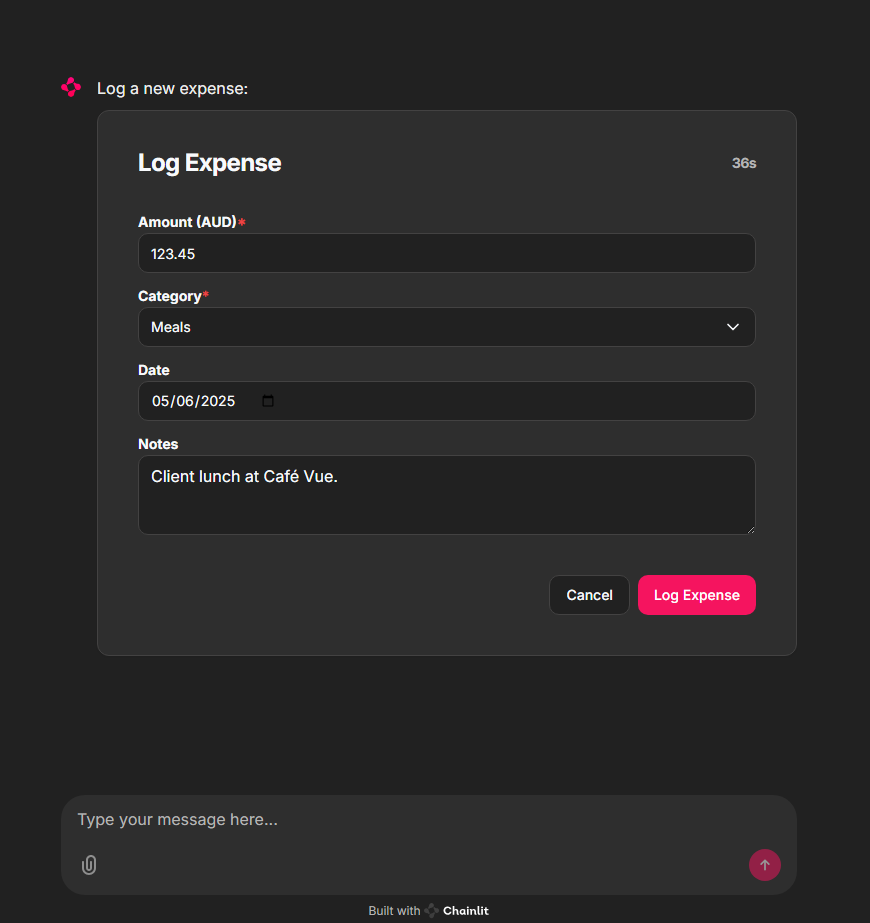
The `AskElementMessage` API enables agents to send interactive, consent-gated UI components to users. This feature is particularly useful for:
* **Compliance workflows** where explicit user consent is required
* **Data review** scenarios where users need to review and modify AI-generated data
* **Form completion** with pre-filled values for user confirmation
* **Audit trails** for sensitive operations
The flow works as follows:
1. **Agent** calls a consent-gated tool (e.g., expense logging API)
2. Backend sends a **CustomElement** to the frontend with editable fields and timeout
3. **User** modifies or confirms the pre-filled values and submits
4. Backend receives the **updated props** and proceeds with the tool call using user-approved data
This pattern blocks further chat interactions until user input is received, preventing ambiguous or unauthorized actions.
## Available Ask APIs
Ask the user for a string input.
Ask the user to upload a file.
Ask the user to pick an action.
Ask the user to complete a custom form.
## Interactive Consent-Gated Forms
The `AskElementMessage` API enables agents to send interactive, consent-gated UI components to users. This feature is particularly useful for:
* **Compliance workflows** where explicit user consent is required
* **Data review** scenarios where users need to review and modify AI-generated data
* **Form completion** with pre-filled values for user confirmation
* **Audit trails** for sensitive operations
The flow works as follows:
1. **Agent** calls a consent-gated tool (e.g., expense logging API)
2. Backend sends a **CustomElement** to the frontend with editable fields and timeout
3. **User** modifies or confirms the pre-filled values and submits
4. Backend receives the **updated props** and proceeds with the tool call using user-approved data
This pattern blocks further chat interactions until user input is received, preventing ambiguous or unauthorized actions.