> ## Documentation Index
> Fetch the complete documentation index at: https://docs.chainlit.io/llms.txt
> Use this file to discover all available pages before exploring further.
# Chat Settings
Chat settings are useful to let each user configure their chat experience given a set of options.
## How it works
Check the chat settings [API reference](/api-reference/chat-settings) to learn how to configure it.
## Preview
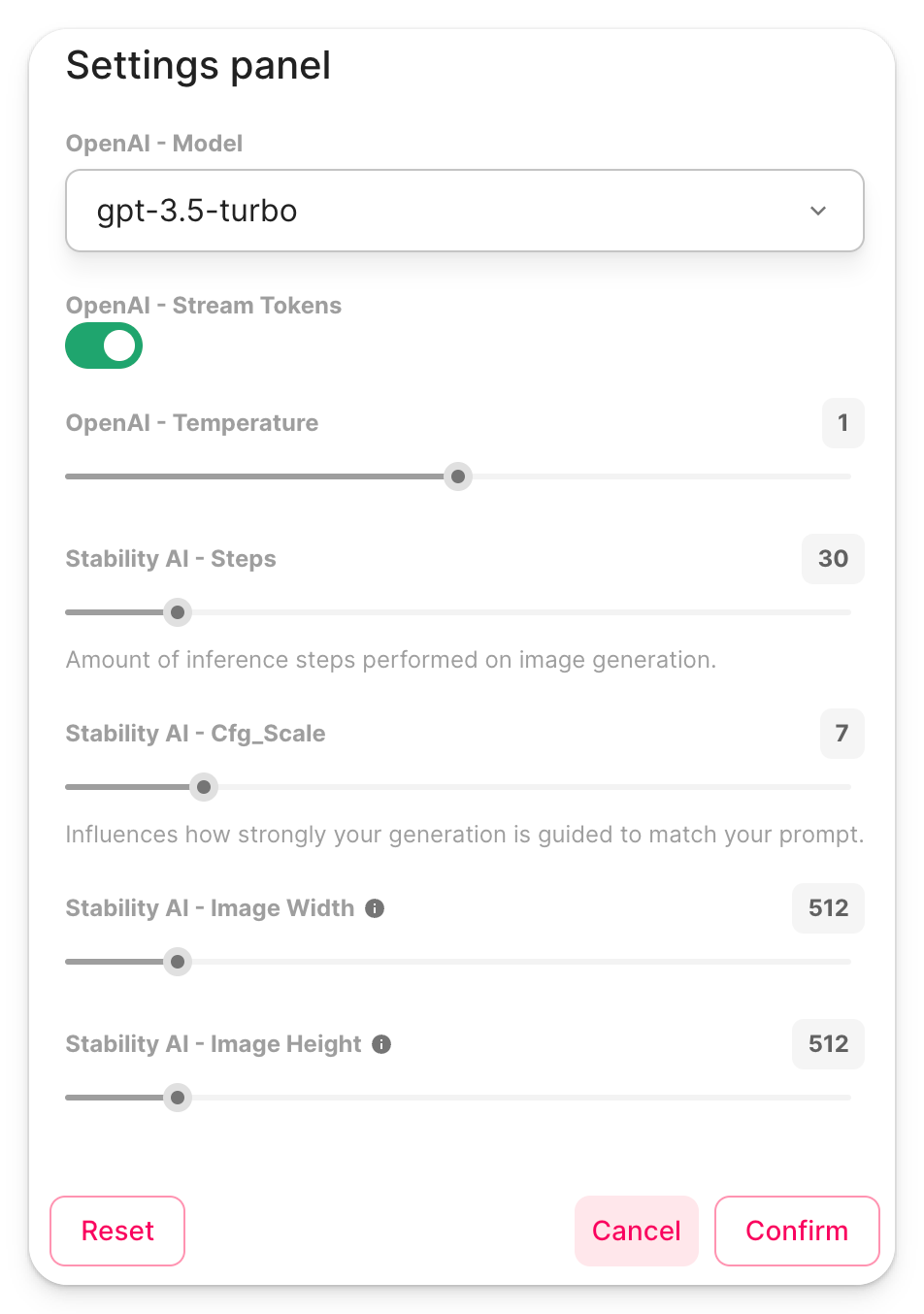
If chat settings are set, a new button will appear in the chat bar.
 Clicking on this button will open the settings panel. All settings are editable by the user. Once settings are updated, an event is sent to the Chainlit server so the application can react to the update.
 ## Example
Check out this example from the cookbook that uses this feature: [https://github.com/Chainlit/cookbook/tree/main/image-gen](https://github.com/Chainlit/cookbook/tree/main/image-gen)
## Example
Check out this example from the cookbook that uses this feature: [https://github.com/Chainlit/cookbook/tree/main/image-gen](https://github.com/Chainlit/cookbook/tree/main/image-gen)