> ## Documentation Index
> Fetch the complete documentation index at: https://docs.chainlit.io/llms.txt
> Use this file to discover all available pages before exploring further.
# Web App
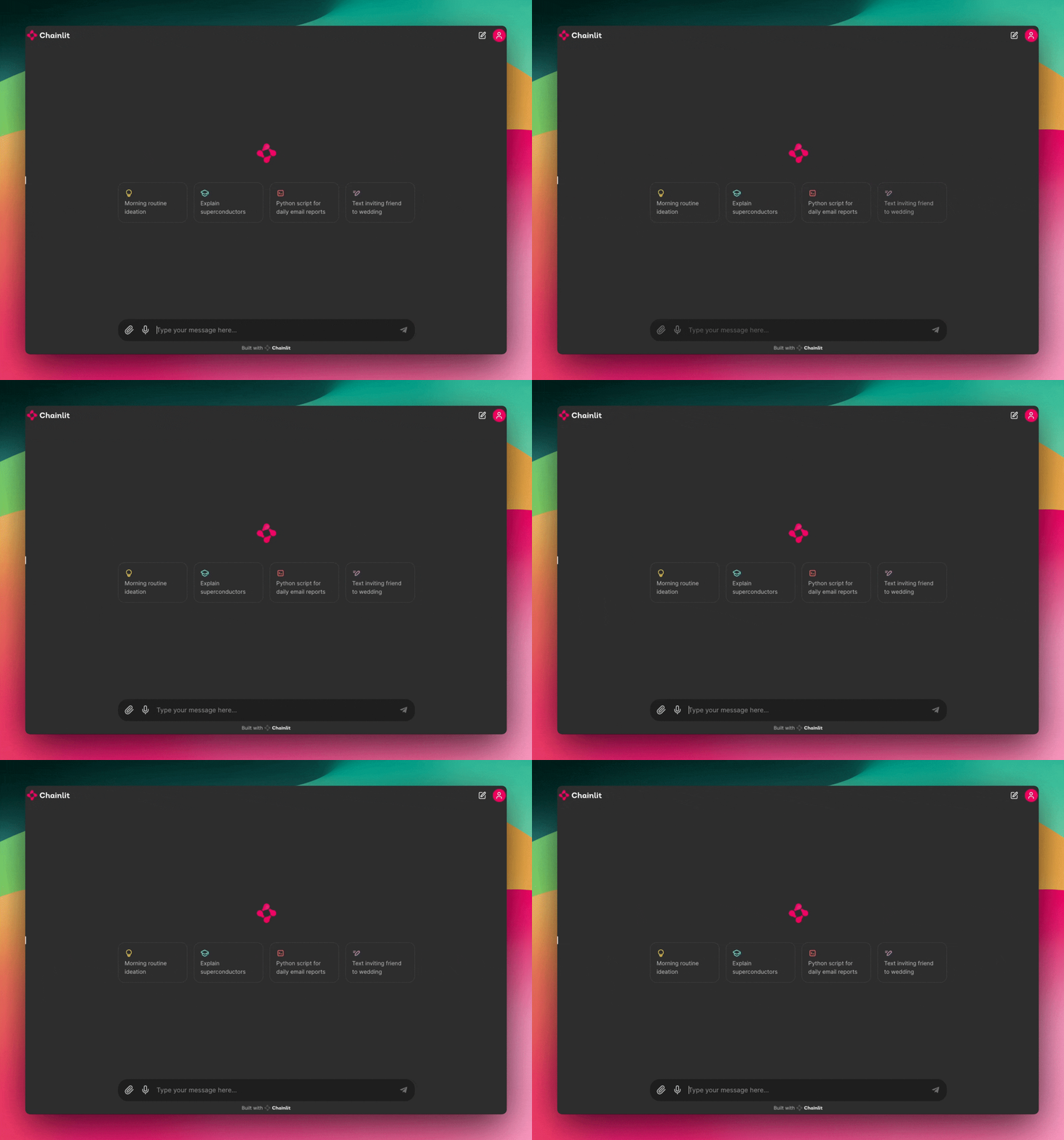
The native Chainlit UI that is available on port 8000. Should open in your default browser when you run `chainlit run`.
## Supported Features
| Message | Streaming | Elements | Audio | Ask User | Chat History | Chat Profiles | Feedback |
| ------- | --------- | -------- | ----- | -------- | ------------ | ------------- | -------- |
| ✅ | ✅ | ✅ | ✅ | ✅ | ✅ | ✅ | ✅ |
 ## URL Parameters
The Chainlit web app supports the following URL query parameters:
| Parameter | Description |
| --------- | ------------------------------------------------------------------------------------------- |
| `prompt` | Pre-fills the chat input with the given text. The user can edit or clear it before sending. |
**Example** — open the chat with a pre-typed message:
```
https://your-app.com/?prompt=Hello%20World
```
This is useful for creating deep-links into specific conversations, e.g. from a help widget or an email campaign.
Since version **2.9.1**.
## Window Messaging
When running the Web App inside an iframe, the server and parent window can communicate using window messages. This is useful for sending context information to the Chainlit server and updating your parent window based on the server's response.
Add a `@cl.on_window_message` decorated function to your Chainlit server to receive messages sent from the parent window.
```py theme={null}
import chainlit as cl
@cl.on_window_message
async def window_message(message: str):
if message.startswith("Client: "):
await cl.Message(content=f"Window message received: {message}").send()
```
Then, in your app/website, you can emit a window message like this:
```js theme={null}
const iframe = document.getElementById('the-iframe');
iframe.contentWindow.postMessage('Client: Hello from parent window', '*');
```
To send a message from the server to the parent window, use `cl.send_window_message`:
```py theme={null}
import chainlit as cl
@cl.on_message
async def message():
await cl.send_window_message("Server: Hello from Chainlit")
```
The parent window can listen for messages like this:
```js theme={null}
window.addEventListener('message', (event) => {
if (event.data.startsWith("Server: ")) {
console.log('Parent window received:', event.data);
}
});
```
### Example
Check out this example from the cookbook that uses the window messaging feature: [https://github.com/Chainlit/cookbook/tree/main/window-message](https://github.com/Chainlit/cookbook/tree/main/window-message)
## URL Parameters
The Chainlit web app supports the following URL query parameters:
| Parameter | Description |
| --------- | ------------------------------------------------------------------------------------------- |
| `prompt` | Pre-fills the chat input with the given text. The user can edit or clear it before sending. |
**Example** — open the chat with a pre-typed message:
```
https://your-app.com/?prompt=Hello%20World
```
This is useful for creating deep-links into specific conversations, e.g. from a help widget or an email campaign.
Since version **2.9.1**.
## Window Messaging
When running the Web App inside an iframe, the server and parent window can communicate using window messages. This is useful for sending context information to the Chainlit server and updating your parent window based on the server's response.
Add a `@cl.on_window_message` decorated function to your Chainlit server to receive messages sent from the parent window.
```py theme={null}
import chainlit as cl
@cl.on_window_message
async def window_message(message: str):
if message.startswith("Client: "):
await cl.Message(content=f"Window message received: {message}").send()
```
Then, in your app/website, you can emit a window message like this:
```js theme={null}
const iframe = document.getElementById('the-iframe');
iframe.contentWindow.postMessage('Client: Hello from parent window', '*');
```
To send a message from the server to the parent window, use `cl.send_window_message`:
```py theme={null}
import chainlit as cl
@cl.on_message
async def message():
await cl.send_window_message("Server: Hello from Chainlit")
```
The parent window can listen for messages like this:
```js theme={null}
window.addEventListener('message', (event) => {
if (event.data.startsWith("Server: ")) {
console.log('Parent window received:', event.data);
}
});
```
### Example
Check out this example from the cookbook that uses the window messaging feature: [https://github.com/Chainlit/cookbook/tree/main/window-message](https://github.com/Chainlit/cookbook/tree/main/window-message)