> ## Documentation Index
> Fetch the complete documentation index at: https://docs.chainlit.io/llms.txt
> Use this file to discover all available pages before exploring further.
# Installation
Chainlit requires `python>=3.9`.
You can install Chainlit it via pip as follows:
```bash theme={null}
pip install chainlit
```
This will make the `chainlit` command available on your system.
Make sure everything runs smoothly:
```bash theme={null}
chainlit hello
```
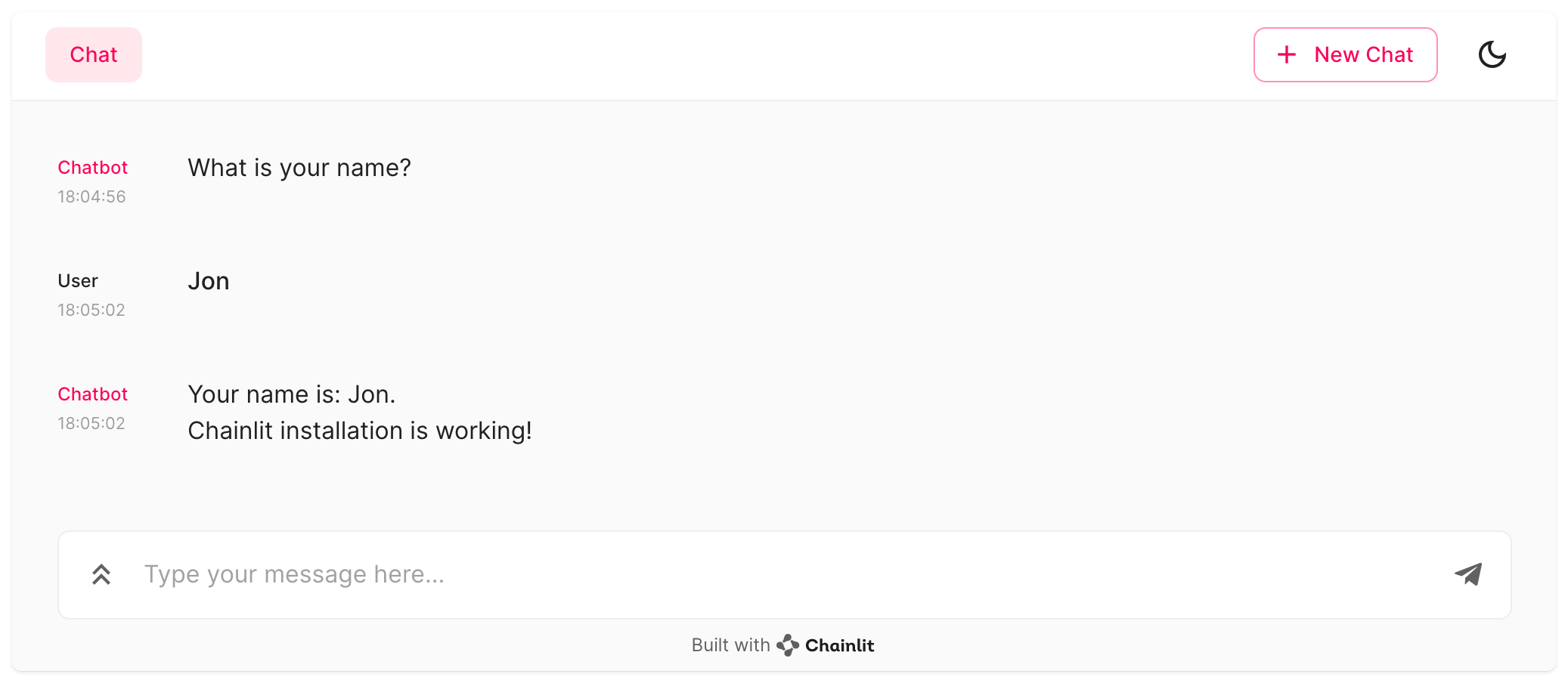
This should spawn the chainlit UI and ask for your name like so:
 ## Next steps
Learn on how to use Chainlit with any python code.
Integrate Chainlit with other frameworks.
## Next steps
Learn on how to use Chainlit with any python code.
Integrate Chainlit with other frameworks.