> ## Documentation Index
> Fetch the complete documentation index at: https://docs.chainlit.io/llms.txt
> Use this file to discover all available pages before exploring further.
# In Pure Python
In this tutorial, we'll walk through the steps to create a minimal LLM app.
## Prerequisites
Before getting started, make sure you have the following:
* A working installation of Chainlit
* Basic understanding of Python programming
## Step 1: Create a Python file
Create a new Python file named `app.py` in your project directory. This file will contain the main logic for your LLM application.
## Step 2: Write the Application Logic
In `app.py`, import the Chainlit package and define a function that will handle incoming messages from the chatbot UI. Decorate the function with the `@cl.on_message` decorator to ensure it gets called whenever a user inputs a message.
Here's the basic structure of the script:
```python app.py theme={null}
import chainlit as cl
@cl.on_message
async def main(message: cl.Message):
# Your custom logic goes here...
# Send a response back to the user
await cl.Message(
content=f"Received: {message.content}",
).send()
```
The `main` function will be called every time a user inputs a message in the chatbot UI. You can put your custom logic within the function to process the user's input, such as analyzing the text, calling an API, or computing a result.
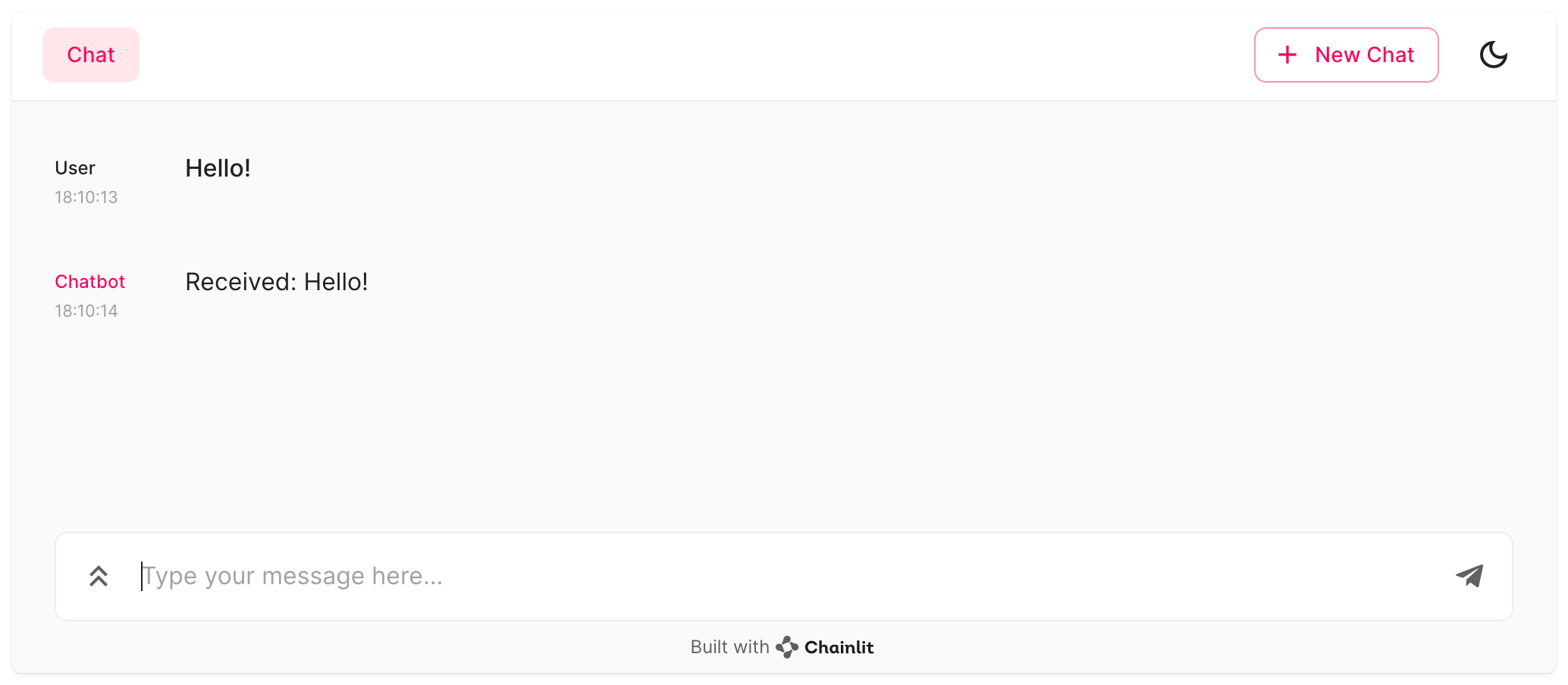
The [Message](/api-reference/message) class is responsible for sending a reply back to the user. In this example, we simply send a message containing the user's input.
## Step 3: Run the Application
To start your Chainlit app, open a terminal and navigate to the directory containing `app.py`. Then run the following command:
```bash theme={null}
chainlit run app.py -w
```
The `-w` flag tells Chainlit to enable auto-reloading, so you don't need to restart the server every time you make changes to your application. Your chatbot UI should now be accessible at [http://localhost:8000](http://localhost:8000).
 ## Next Steps
Learn about the core concepts of Chainlit
Explore the Chainlit cookbook for more examples
## Next Steps
Learn about the core concepts of Chainlit
Explore the Chainlit cookbook for more examples